
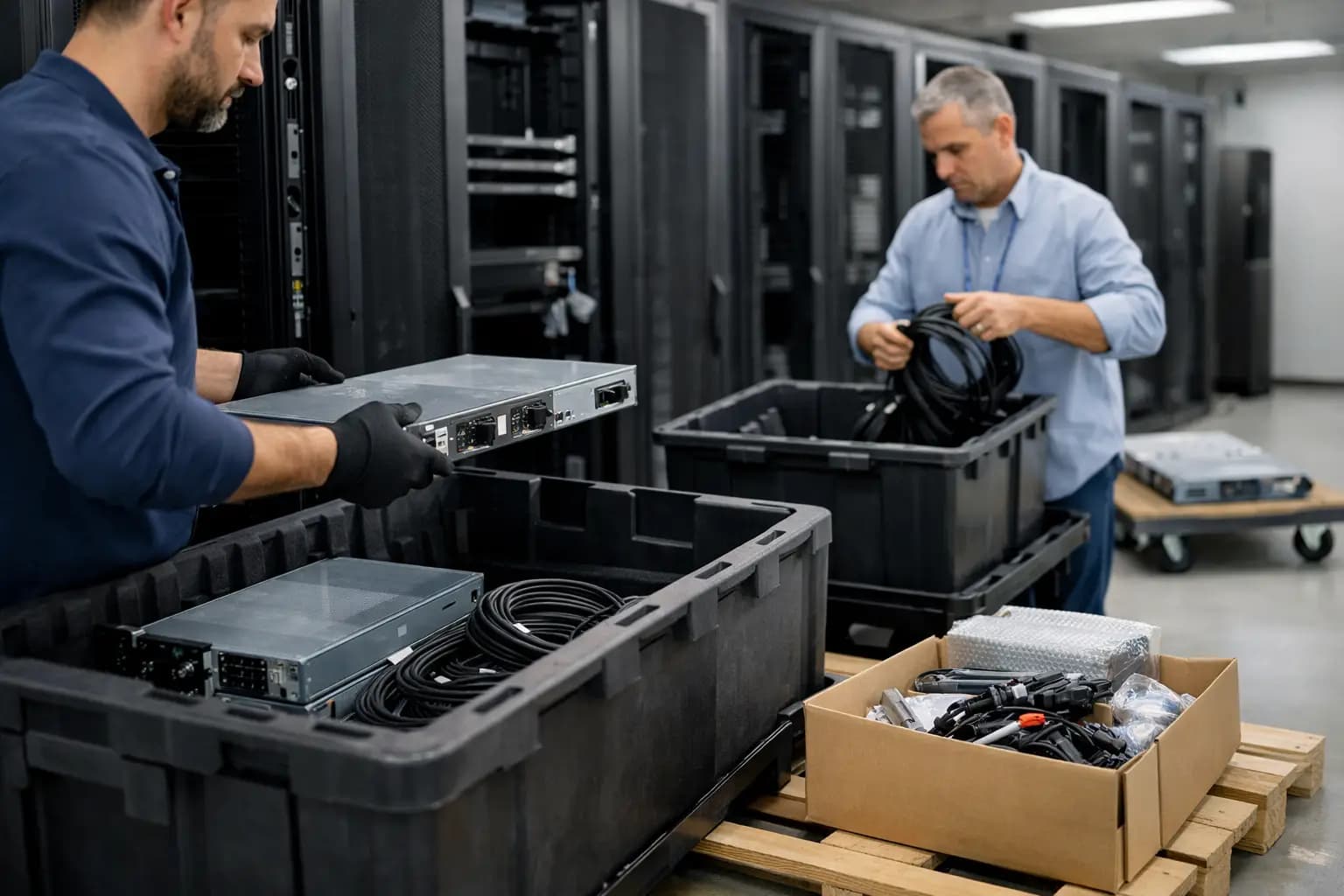
A data center shutdown can look straightforward on a project plan: turn down workloads, remove racks, clear the room. In practice, one overlooked dependency, missing asset record, or unsecured drive can create costly delays and unnecessary risk. This guide to data center decommissioning gives IT and operations teams a practical way to retire infrastructure while protecting information, recovering value, and keeping usable equipment out of the waste stream.
Start with the real scope, not the equipment list
Decommissioning is not simply an equipment removal project. It affects applications, network paths, licenses, contracts, facilities, security controls, and financial records. Before anyone unplugs a server, define what is leaving service, why it is being retired, who owns each decision, and what must remain available until the final cutover.
A complete scope usually includes servers, storage arrays, switches, firewalls, routers, PDUs, UPS units, racks, cabling, monitors, spare parts, and telecommunications equipment. It should also account for equipment stored in remote closets, staging areas, or disaster recovery sites. Older hardware is often forgotten until the removal day, when it becomes a logistical problem or a missed resale opportunity.
Create a project owner with authority to coordinate IT, facilities, finance, security, and the removal partner. The owner does not need to perform every task, but someone must be accountable for the timeline, approvals, documentation, and final sign-off.
Build an asset inventory that supports decisions
An inventory is more useful when it answers practical questions than when it is just a spreadsheet of serial numbers. Record the manufacturer, model, serial number, configuration, condition, location, ownership status, and whether the unit contains data-bearing media. Include accessories and high-value components such as processors, memory, network cards, power supplies, rails, and transceivers when relevant.
This information helps your team separate equipment into three paths: assets that may be redeployed internally, equipment with resale value, and material that should be recycled responsibly. The answer depends on age, working condition, market demand, quantity, and whether the hardware is complete. A five-year-old server fleet may still have value if it is uniform and well maintained, while a smaller mix of damaged legacy units may be better handled as recycling material.
Do not wait until equipment is loaded onto a truck to determine its status. Early evaluation gives finance a clearer picture of potential recovery and gives operations time to resolve exceptions. It also prevents usable equipment from being treated as scrap simply because the team is under pressure to clear a room.
Match assets to business and compliance requirements
Some equipment is subject to lease returns, warranty terms, software licensing obligations, or retention requirements. Confirm ownership before including assets in a sale or disposal lot. If a device supports regulated workloads or sensitive records, identify the required data handling process before it leaves the facility.
For many organizations, the most valuable documentation is a chain of custody that shows where equipment was located, when it was removed, who handled it, and how data-bearing devices were processed. Your requirements may be stricter if you work in health care, finance, education, government, or other regulated fields.
Protect data before hardware moves
Data security is the point where speed should never replace discipline. Servers, storage systems, laptops, network appliances, backup devices, and even multifunction printers can retain credentials, logs, configurations, and sensitive files. A device that no longer powers on can still contain readable media.
First, confirm that workloads, backups, and configuration records have been migrated or retained according to your policies. Then identify every drive, SSD, flash module, tape, and embedded storage component. Do not assume that a factory reset or deleted volume is sufficient for confidential information.
Choose a data sanitization method that matches the media type, security policy, and regulatory obligations. Depending on the situation, that may involve verified software erasure, cryptographic erase, physical destruction, or another approved method. The right choice depends on whether the media will be reused, the device is functional, encryption was properly managed, and your organization needs destruction evidence.
Ask any downstream partner to explain its process in plain language. You should know who has custody of data-bearing equipment, how devices are tracked, what happens to failed drives, and what documentation you will receive. A responsible buyer or recycler should not treat data security as an afterthought to the pickup.
Plan the shutdown in a safe sequence
Order matters. Start by documenting dependencies and obtaining application-owner approval for shutdown windows. Remove systems from production monitoring only after they are actually retired, and update network diagrams, IP address management, asset records, and support contracts as part of the same process.
For physical removal, coordinate access rules, loading dock availability, elevator use, parking, building insurance requirements, and any site-specific safety procedures. Data center hardware is heavy, awkward, and often installed in tight rows. A rushed removal can damage floors, doors, racks, or equipment that remains in service.
A practical removal plan should define these items:
- the approved shutdown and cutover schedule;
- access, escort, and safety requirements for the site;
- rack-by-rack removal priorities and labeling rules;
- packaging, loading, transportation, and chain-of-custody steps; and
- the final room inspection and project sign-off process.
This level of planning is especially useful when a facility must remain partially operational. In a phased decommissioning, label active and retired racks clearly, maintain separation between them, and schedule removals around production work. The fastest option is not always the safest one.
Recover value before choosing recycling
Retired does not automatically mean worthless. Working servers, storage systems, network switches, desktops, laptops, displays, and components can retain meaningful market value, particularly when offered in volume. Even equipment that is no longer suitable for your environment may be useful to organizations with different performance needs or budgets.
The key is to work with a partner that evaluates the lot as a whole and explains what affects the offer. Quantity, model consistency, age, condition, configuration, completeness, and current secondary-market demand all matter. An honest assessment may identify some assets for resale and others for responsible material recovery.
Avoid spending internal time trying to sell equipment one unit at a time unless the expected return justifies the labor, storage, testing, buyer communication, and shipping. For most IT teams, a single managed transaction is more efficient than dozens of separate listings. The best outcome balances financial recovery with the cost of keeping the project open.
For organizations in Quebec managing an equipment refresh or facility closure, Techno Lot can assess eligible technology lots, provide a response within 24 hours, arrange free on-site pickup, and manage the packing, loading, and transportation. That approach gives teams a clearer path from surplus hardware to payment without turning their staff into a resale operation.
Make environmental responsibility measurable
A responsible decommissioning plan gives functional equipment a second life when possible and directs non-reusable material into proper recycling channels. This reduces electronic waste and helps recover materials that would otherwise be lost. It also supports sustainability goals with actions that can be documented rather than broad statements that are difficult to verify.
Ask how equipment will be sorted after pickup. Reuse, resale, parts recovery, and recycling are different outcomes, and each has a role. Reuse generally extends the service life of equipment. Recycling remains necessary for damaged, obsolete, or nonfunctional hardware, but it should not be the default for assets that still have a viable second market.
Keep records of the equipment removed, the disposition method, and any relevant data destruction or recycling documentation. These records help with audits, asset accounting, sustainability reporting, and future refresh planning.
Close the project with proof, not assumptions
The final walkthrough should confirm that all approved equipment has been removed, all retained equipment remains operational, and no loose drives, cables, labels, or documentation have been left behind. Reconcile the pickup manifest against the original inventory and investigate discrepancies while the details are still easy to verify.
Then update your fixed-asset register, maintenance agreements, insurance records, and capacity plans. If the room is being repurposed, document available power, cooling, rack space, and network connections before the next project begins.
A well-run decommissioning effort does more than empty a data center. It turns a complex technology transition into a controlled handoff, protects the information your organization is responsible for, and gives usable hardware a more productive next step.
