
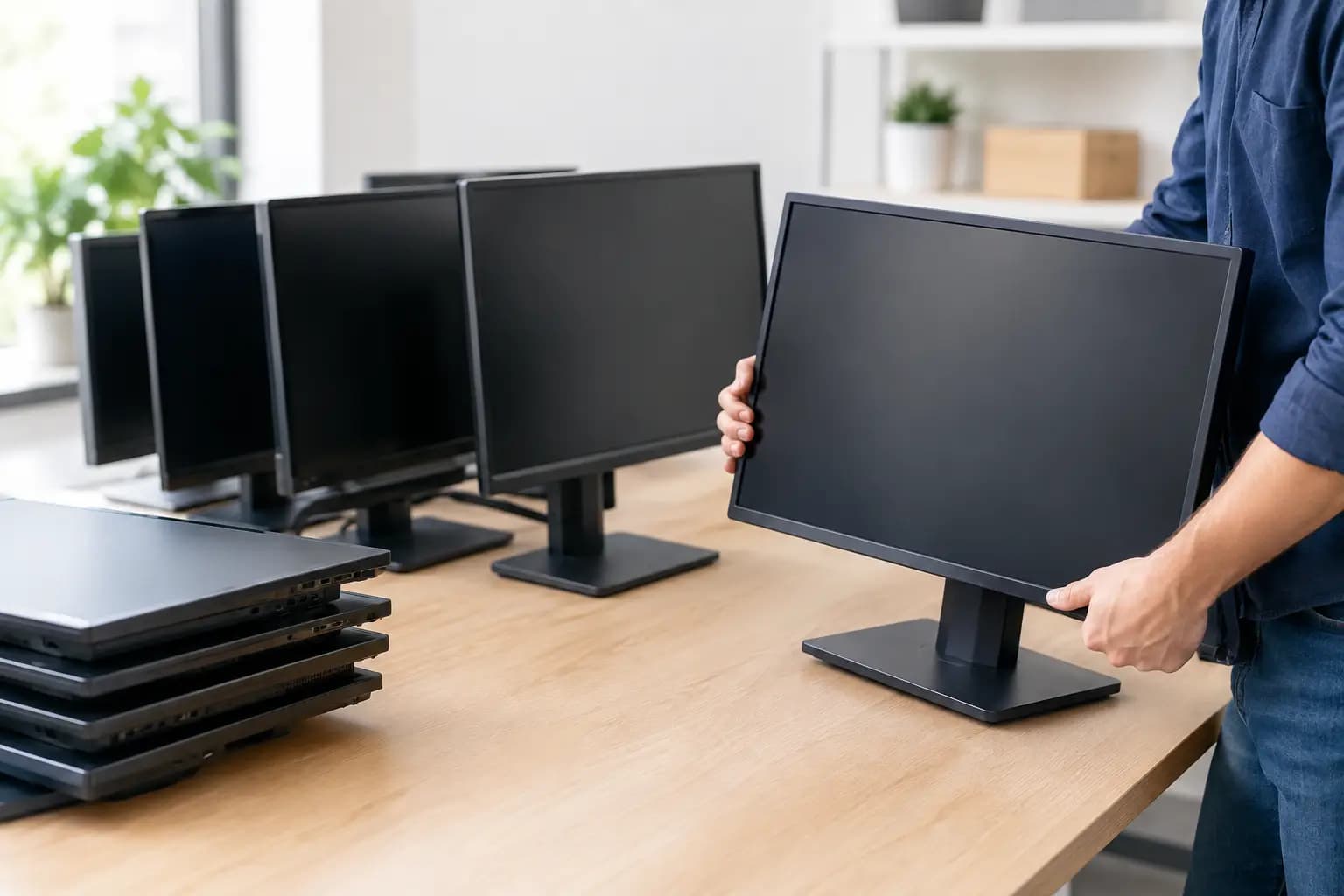
A monitor refresh can leave a business with dozens or hundreds of screens taking up valuable storage space. They may still work perfectly well, but listing them one at a time, finding buyers, packing fragile displays, and coordinating pickups can cost more time than the equipment is worth. Knowing how to sell surplus monitors as a lot changes that equation. With the right preparation and a buyer equipped to handle volume, surplus displays can become a quick financial recovery instead of a logistics problem.
Start by Treating Monitors as a Recoverable Asset
Surplus monitors are often overlooked during an IT refresh. Organizations tend to focus on laptops, desktops, servers, and network hardware because those assets appear to carry more value. Yet a large group of recent business-grade monitors can have meaningful resale value, particularly when the units are consistent, functional, and available in volume.
Value depends on more than the screen size. Buyers consider the manufacturer, model number, age, resolution, panel type, connectivity, condition, included stands, and the number of units available. A matched lot of 24-inch or 27-inch monitors from a recognized commercial brand is generally easier to resell than a mixed group of older consumer displays.
Even monitors with limited resale value should not automatically be sent to the trash. Responsible recovery keeps electronic materials out of landfill streams and helps extend the useful life of equipment that can still serve another organization, school, home office, or secondary market buyer.
How to Sell Surplus Monitors in Volume
The most efficient approach is to sell monitors by the lot rather than as individual units. A bulk buyer evaluates the group as a whole, provides an offer, and takes responsibility for collection and next steps. This reduces the workload for IT teams, office managers, and asset administrators who already have a transition project to manage.
Before requesting an evaluation, gather basic information about the equipment. You do not need to create a perfect inventory spreadsheet, but clear details lead to a faster and more accurate offer. Record the number of monitors, brand and model numbers where available, approximate screen sizes, and overall condition. Note whether the displays include original stands, power cables, video cables, or mounting arms.
Photos are especially useful. A few clear pictures of the monitors from the front, back, and storage area help a buyer assess the lot quickly. If the screens are stacked on pallets, still installed at workstations, or stored in a locked IT room, mention that as well. Access conditions affect how pickup and loading should be planned.
A practical request for evaluation might include: 80 Dell 24-inch monitors, mixed models from 2019 to 2021, tested and working, with stands and power cords, located on a second-floor office site with elevator access. That level of information is usually enough to begin a serious conversation.
Keep Comparable Equipment Together
Do not mix every retired device into one vague pile if you can avoid it. Group monitors by brand, model, size, and condition whenever possible. This makes it easier to identify the most valuable portion of the lot and helps avoid underestimating newer models because they are buried among older units.
Separate clearly damaged monitors from working units. Cracked screens, missing stands, broken ports, and severe cosmetic damage do not necessarily prevent responsible processing, but they should be identified honestly. Clear sorting supports a fair offer and prevents surprises on pickup day.
What Makes a Surplus Monitor Lot More Valuable?
A buyer will assess resale potential based on current secondary-market demand. Business monitors with HDMI, DisplayPort, USB-C, higher resolution, adjustable stands, and modern panel technology tend to be more attractive. Larger quantities of the same model can also improve efficiency for resale and make the lot easier to move.
Condition matters, but perfection is not always required. Minor scuffs on a bezel may have little effect on a commercial display that performs properly. Dead pixels, image retention, flickering backlights, cracked panels, or power issues have a greater impact. Be direct about known defects rather than spending staff time trying to make every unit look new.
Accessories can add convenience and value. Original stands, power supplies, and compatible cables make equipment easier for the next user to deploy. However, do not delay a sale simply because every cable is not available. For a large lot, speed, model consistency, and functional condition often matter more than a complete accessory package.
Age also affects the decision. Older monitors may have low resale value individually, yet they can still be included in a larger electronics lot for proper recovery. The goal is to identify what can be reused, recover value where it exists, and handle the remaining equipment responsibly.
Plan Pickup Before Storage Becomes a Problem
Monitors are awkward to store and vulnerable to breakage. Leaving them in hallways, loading areas, or unprotected storage rooms can create safety concerns and increase the risk of damage. Once a refresh is approved, build monitor disposition into the project plan instead of treating it as an afterthought.
A full-service buyer should be able to coordinate pickup at your location, including packaging, loading, transportation, and removal from the work area. This is particularly valuable for organizations with multiple floors, limited staff, heavy volumes, or tight move-out deadlines.
Ask early about the pickup process. Confirm whether there is a loading dock, elevator, freight access, parking restriction, security check-in, or scheduled receiving window. A few operational details help prevent delays and let your team continue working while the equipment is removed safely.
For organizations in Quebec, Techno Lot provides a practical route for selling lots of monitors and other business electronics. The process is built around a personalized evaluation, a response guaranteed within 24 hours, free on-site pickup, and fast guaranteed payment after an offer is accepted. That means your team does not need to manage listings, negotiate with individual buyers, or coordinate fragile shipments one box at a time.
Protect Your Organization Before Equipment Leaves
Monitors do not typically store the same sensitive data as computers, but they should still be included in your asset retirement process. Remove inventory labels if they reveal internal asset numbers, department names, network details, or contact information. Check for USB drives, wireless display adapters, docking devices, cameras, and other accessories that may have been left attached.
If the monitor has built-in storage, smart features, conferencing functions, or network connectivity, reset it according to your organization’s policy. This is more common with interactive displays, conferencing screens, and advanced office panels than with standard desktop monitors.
You should also maintain a simple record of what leaves your facility. A count by model or pallet is often enough for many organizations. For regulated sectors or larger disposal projects, your asset management requirements may call for more detailed documentation. The right level of tracking depends on your internal policy, the equipment type, and the reason for retirement.
Avoid the Costly DIY Route When Volume Is High
Selling a few personal monitors through local classifieds may work for an individual. It is rarely the best choice for a company with 30, 100, or 500 units. Individual sales require staff time for photography, listing creation, messages, price negotiations, payment handling, no-shows, and packaging. They also expose your team to repeated pickup coordination and uncertain demand.
Shipping monitors creates another challenge. Displays need careful packaging, and freight damage can turn a promising sale into a loss. The risk rises when original boxes are unavailable, which is common after several years of office use.
A volume buyer offers less control over the resale price of each individual monitor, but that trade-off often makes sense. You gain a clear disposition path, reduced handling, faster space recovery, and a single transaction for the lot. For busy organizations, those operational savings are part of the value.
Turn a Refresh Project Into a Responsible Recovery Plan
The best time to plan the sale of surplus monitors is before new screens arrive. Estimate the outgoing volume, identify where equipment will be staged, and collect basic model information during the refresh. This gives you more options and prevents working displays from becoming damaged, forgotten, or mixed into general waste.
A surplus monitor lot does not have to become a storage burden. With a clear inventory, an honest condition assessment, and a buyer that can collect equipment in volume, your organization can recover value quickly while giving usable technology a longer life. That is a practical outcome for your budget, your workspace, and the resources behind every screen.